Zapier MCP
Connect Claude, ChatGPT and Cursor to 9,000+ apps
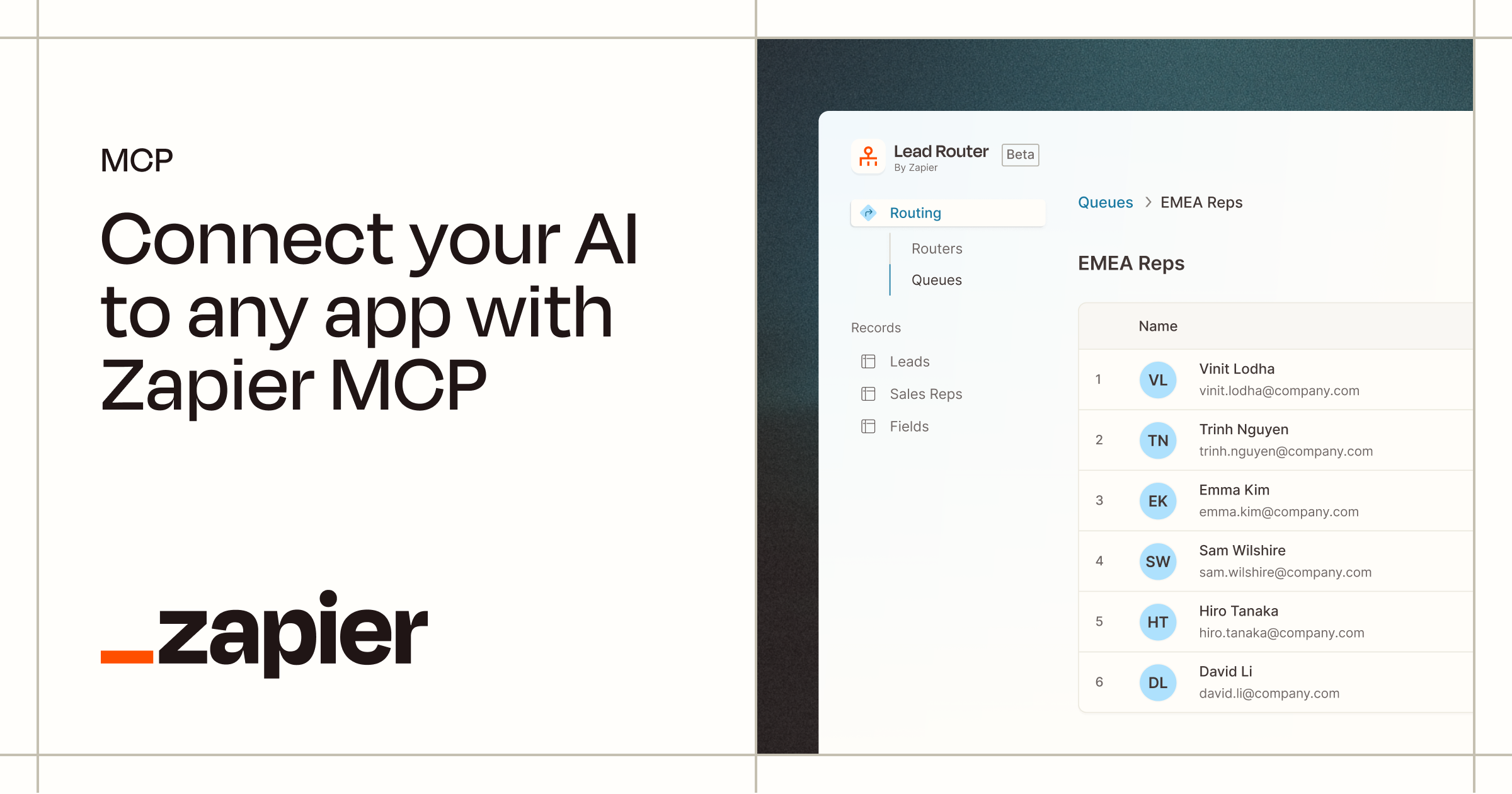 Zapier MCP
Product images: Zapier MCP
Last verified: September 29, 2026
How to Install Zapier MCP
$claude mcp add --transport http "Zapier-MCP" https://mcp.zapier.com/api/v1/connectRequires Claude Desktop, Cursor, Windsurf, or another MCP-compatible client.
Setup by client
Cursor (~/.cursor/mcp.json)
{
  "mcpServers": {
    "zapier-mcp": {
      "url": "https://mcp.zapier.com/api/v1/connect"
    }
  }
}
VS Code (.vscode/mcp.json)
{
  "servers": {
    "zapier-mcp": {
      "type": "http",
      "url": "https://mcp.zapier.com/api/v1/connect"
    }
  }
}
Claude Code (terminal)
claude mcp add --transport http zapier-mcp https://mcp.zapier.com/api/v1/connectAdd any API keys or environment variables the server's README lists.
About Zapier MCP
Zapier MCP is Zapier's hosted Model Context Protocol server. It lets Claude, ChatGPT, Cursor, VS Code and other MCP clients run actions in the apps connected to your Zapier account: send a Slack message, add a Google Sheets row, update a HubSpot record. There is nothing to install: every client connects to one URL, https://mcp.zapier.com/api/v1/connect, and signs in with OAuth. It has no separate fee, but each successful tool call uses two tasks from your Zapier plan.
Quick facts (as of September 29, 2026)
| Zapier MCP | |
|---|---|
| Maker | Zapier |
| Type | Hosted (remote) MCP server. No local package to run. |
| Endpoint | https://mcp.zapier.com/api/v1/connect (the same for every client) |
| Transport | Streamable HTTP only. SSE is not supported. |
| Authentication | OAuth inside the MCP client (default), or a connection token for unlisted clients and your own code |
| Coverage | 9,000+ apps and 40,000+ actions, per Zapier's docs |
| Price | No separate MCP fee. Each successful tool call uses 2 tasks from your Zapier plan; failed calls use none. |
| Free plan | $0, 100 tasks per month, which covers up to 50 successful tool calls (as of September 2026) |
| Modes | Agentic (default, the agent finds and enables its own tools) or Managed (you pick a fixed tool list) |
| Dashboard | mcp.zapier.com: servers, tools, History log, task counters |
| Compliance | Runs under Zapier's SOC 2 Type II certification |
| Plugin repo | github.com/zapier/zapier-mcp (client plugins and onboarding skills, not the server code) |
What it does
Zapier MCP turns the actions Zapier already supports into tools your AI can call. You ask for something like "find the contact in HubSpot and email them the proposal" and the agent picks the right actions, fills in the details from your conversation, and Zapier runs them through the same app connections your Zaps use. Your MCP client never sees a third-party API key; Zapier holds the credentials and handles token refresh and rate limiting.
Each MCP client gets its own server on your Zapier account (one for Claude, one for Cursor, and so on). There is no limit on the number of tools on a server or on tool calls per session. The only usage limit is your plan's task allowance. Cursor and Grok Bot are an exception to the one-server-per-client rule: they share one connection.
Agentic mode (the default)
New servers start in agentic mode. Instead of loading hundreds of tools into your client, the server exposes 16 fixed meta-tools and the agent uses them to find, enable and run actions as requests come up. The main ones:
| Meta-tool | What it does |
|---|---|
discover_zapier_actions | Searches the apps and actions available to add |
enable_zapier_action / disable_zapier_action | Adds or removes an action as a callable tool |
inspect_zapier_actions | Lists your enabled actions and what each needs to run |
execute_zapier_read_action | Runs a read or search action, such as finding an email |
execute_zapier_write_action | Runs a write action, such as sending a message |
auto_provision_mcp | Sets up tools from the apps already connected to your Zapier account |
list_zapier_connections / manage_zapier_connections | Picks which connected account to use, or returns a link to connect a new one |
list_zapier_skills, get_zapier_skill, create_zapier_skill and more | Manage saved skills (see below) |
When you first connect, Zapier auto-provisions the server from your existing app connections, so the agent can start working straight away. If your account has no connections yet, the server starts empty and the agent prompts you to connect an app the first time it needs one. Auto-provisioning covers only your own connections, not ones another Zapier user shared with you.
Some servers also get a write_code_action tool that writes and runs a custom code action (in a sandbox, with authenticated API access) when no built-in action fits. Zapier says this is rolling out to more accounts over time.
Managed mode
In managed mode every enabled action is its own tool, and you choose the list at mcp.zapier.com. The agent cannot add tools on its own. Zapier recommends it when you need a fixed, predictable toolset, tightly scoped access, or locked field values for repeatable tasks. Skills and code actions are not available in managed mode. You switch modes in the server's Settings tab, then refresh your client's tool list (restart Claude Desktop, reload Cursor or VS Code, or press Refresh in ChatGPT's connector settings).
Skills and Next Gen Zaps
Skills are reusable Markdown instructions saved on a server, for multi-step tasks you repeat. Your agent loads one with get_zapier_skill and follows it. Every server ships with Zapier-built skills, including an onboarding skill that reads from your connected apps to show a sample workflow when you first connect.
Next Gen Zaps (early access) let you describe a workflow in plain language and have your MCP client build it and deploy it to Zapier as a workflow that runs on a trigger. The workflow tools only appear if early access is enabled on your account.
Pricing and task usage (as of September 2026)
Zapier MCP has no separate billing. Tool calls draw on the same task allowance as your Zaps.
| Plan | Price shown on zapier.com/pricing | Relevant limits |
|---|---|---|
| Free | $0 | 100 tasks per month (up to 50 successful MCP tool calls) |
| Professional | From $19.99 per month, billed yearly | Multi-step Zaps, unlimited Premium apps, webhooks; larger task tiers selectable on the pricing page |
| Team | From $69 per month, billed yearly | 25 users, shared app connections, SAML SSO; needed to share an MCP server with teammates |
| Enterprise | Contact sales | Configurable data retention; Enterprise data opted out of AI model training by default |
How tasks are counted, from Zapier's usage docs:
- Each successful tool call uses 2 tasks. Failed calls use none.
- Listing available tools, authentication and viewing history do not count.
- Batch requests count per action: "add 5 rows to a spreadsheet" is 5 tool calls, or 10 tasks.
- Every successful call counts, including ones you make just to try a tool out.
- The mcp.zapier.com sidebar shows Plan Tasks (all Zapier usage) and MCP Tasks (the MCP share).
When you hit your limit, tool calls return an error saying the account has reached its task limit. If pay-per-task billing is on, calls keep working up to a usage cap and Zapier charges for the extra tasks. If it is off, calls stop until the billing cycle resets or you upgrade. Your server and tools stay configured either way.
How to set it up
You do not install anything, and you do not need to create a server first: for supported clients, Zapier creates the server during sign-in. Pick your client below.
Claude (web and Claude Desktop)
Zapier is in Claude's connector directory and works on all Claude plans, including Free.
- In a Claude chat, ask Claude to connect to Zapier MCP. It shows a Zapier connector card.
- Click Connect. On Zapier's screen, copy the setup prompt (Continue stays disabled until you do), then click Continue.
- Review the access, pick your Zapier account if you have more than one, and click Allow.
- Back in Claude, paste the prompt to run Zapier's onboarding.
One connection covers Claude chat, Claude Desktop and Claude Cowork (Cowork needs a paid Claude plan). On Team and Enterprise, an Owner must enable Zapier in Organization settings first, and each member then signs in individually. If tools do not appear in Claude Desktop, close and reopen the app.
Claude Code
Zapier's documented command:
claude mcp add --transport http "Zapier-MCP" https://mcp.zapier.com/api/v1/connect
Restart Claude Code and sign in to Zapier when prompted. Zapier also publishes an official plugin: /plugin install zapier@claude-plugins-official if you have Anthropic's official marketplace, or /plugin marketplace add zapier/marketplace then /plugin install mcp@zapier. Zapier warns that on WSL the OAuth callback may not reach Claude Code; run it from a native Windows or macOS terminal if sign-in does not complete.
Cursor
Install the Zapier plugin from the Cursor marketplace (or connect to the plugin your team admin distributed), then ask the agent to set up Zapier MCP and sign in. Zapier notes that some Cursor versions have an OAuth bug (RFC 9728) that stops sign-in from completing, so update Cursor first. The repo README also offers a one-click install that adds this config:
{
  "mcpServers": {
    "zapier": {
      "url": "https://mcp.zapier.com/api/v1/connect"
    }
  }
}
VS Code
Use the one-click install on Zapier's docs, or run MCP: Open User Configuration and add:
{
  "servers": {
    "Zapier": {
      "url": "https://mcp.zapier.com/api/v1/connect"
    }
  }
}
Then authenticate with Zapier when prompted. You need GitHub Copilot in Agent mode.
ChatGPT
If your Business, Enterprise or Edu workspace already added Zapier, pick it with @ or the + menu and sign in. Otherwise turn on Developer mode in ChatGPT settings, create a new plugin named Zapier MCP with https://mcp.zapier.com/api/v1/connect as the server URL, click Create, then Connect. A plugin you create this way stays private to you until an Admin or Owner enables it for others.
Other clients and your own code (connection token)
For clients not on Zapier's supported list (the list also includes Codex, Gemini CLI, Windsurf, Zed, Warp, Kiro, Microsoft Copilot Studio, Replit and more), and for Python, TypeScript or direct Anthropic and OpenAI API calls:
- At mcp.zapier.com, click Add MCP server and choose Other.
- Open the server's Connect tab, click Generate token and store it right away. It is shown once.
- Point your client at
https://mcp.zapier.com/api/v1/connectwith the headerAuthorization: Bearer YOUR_CONNECTION_TOKEN. A?token=query parameter also works, but Zapier prefers the header because URLs end up in logs and shell history.
Treat the token like a password: anyone who has it can run the server's tools and read what they return. Rotate token invalidates the old one immediately.
Common setup mistakes
- Running an npm package. There is no npm package that runs the Zapier MCP server. The npm package named
zapier-mcpis a Zapier placeholder (version 0.0.1, no executable), sonpx -y zapier-mcpwill not start a server. Use the URL above. - An old SSE URL. Zapier MCP supports Streamable HTTP only. If your client was set up against an SSE endpoint, switch it to
https://mcp.zapier.com/api/v1/connect. - A client that only speaks SSE. It cannot connect.
Zapier MCP for Slack, Gmail and other apps
Zapier publishes per-app MCP pages listing the actions available. For Slack, the list includes Send Channel Message (with thread replies and scheduled sends), Add Reaction, Add Reminder, Invite User to Channel, Archive Conversation, Create Canvas, Delete Message and Cancel Scheduled Message. After connecting, ask your agent to enable the Slack actions (or let auto-provisioning add them if Slack is already connected in Zapier), and it posts through your Zapier Slack connection.
Zapier is not the only route. If Slack is the only app you need, compare it with a dedicated Slack MCP server, which avoids spending Zapier tasks on every call. The same applies to a Gmail MCP server or a HubSpot MCP server. Zapier's advantage is breadth: one connection, one sign-in and one governance model across many apps.
Security and governance
- Credentials stay with Zapier. Your MCP client never handles third-party API keys. With OAuth, the client stores and refreshes Zapier's token; you can revoke it from the client or at mcp.zapier.com.
- Existing restrictions apply. Account-level app and action restrictions are enforced automatically, and so are permissions inside the apps themselves. You cannot yet set restrictions that apply only to MCP; they apply account-wide.
- Audit trail. Every tool call appears in the History tab at mcp.zapier.com and in the account audit log. Super admins can review any user's MCP history.
- No third-party tools. All tools are owned by Zapier, which Zapier says prevents tool poisoning. You can turn in-house apps into tools through the Zapier Developer Platform.
- Data location. Customer data is stored in AWS US-East 1. Region-specific residency is not available unless otherwise agreed, and dedicated VPC or on-premises deployments are not currently available.
- Enterprise controls. SAML SSO extends to MCP access; admins can restrict MCP by workspace and set MCP task quotas; Enterprise data is opted out of AI model training by default. Zapier MCP is on by default for all accounts, including Enterprise; to turn it off, Enterprise customers contact their account manager.
- Sharing. Sharing a server with teammates (Owner, Editor or View only roles) needs a Team or Enterprise plan. On any plan you can share a tool bundle, a link that copies your tool list to someone else's own server without sharing your connections or data.
Zapier MCP vs alternatives
| Option | What it is | How it connects | Best when |
|---|---|---|---|
| Zapier MCP (this page) | Hosted server over Zapier's app catalog | One URL, OAuth or connection token, Streamable HTTP only | You want many apps behind one sign-in with admin controls, and you already pay for Zapier tasks |
| n8n MCP server | n8n's MCP Server Trigger node exposes n8n tools and workflows to MCP clients | A URL from your n8n instance; supports SSE and Streamable HTTP, not stdio | You want to build and control the workflows yourself |
| Composio MCP | Developer platform with an MCP gateway and SDKs; advertises 1,500+ tools | Managed MCP endpoint; API key required for new organizations by default | You are building an agent product and want per-user auth handled in code |
| Dedicated servers such as the Slack MCP server, GitHub MCP server or HubSpot MCP server | One server per app | Varies by server | You need one or two apps in depth, or want to avoid per-call task usage |
For a wider list, see our best MCP servers for Claude, and if you are new to the idea, start with what an MCP server is. Zapier MCP is a remote MCP server: it runs on Zapier's side, not on your machine.
Who it is for
A good fit if:
- You already use Zapier and want your AI assistant to act on the apps you have connected, with no code.
- You work across several apps in one request, such as looking up a CRM record and then sending an email.
- Your IT team wants one place to control which apps and actions agents can reach, with a History log and SOC 2 Type II coverage.
- Your client is on Zapier's supported list, so setup is a sign-in rather than a config file.
Not the right tool if:
- You make a high volume of calls. At 2 tasks per successful call, the Free plan's 100 tasks run out after 50 calls.
- You need to self-host, run offline, or keep data in a region other than the US without a special agreement.
- Your MCP client only supports stdio or SSE.
- You want MCP-only restrictions. App and action restrictions currently apply to all of Zapier.
What we don't know
- Which Professional tier the $19.99 price (as of September 2026) covers, and the monthly-billing price. The pricing page shows "starting from" prices with yearly billing selected by default.
- The exact action count. Zapier's docs say 40,000+ actions, the zapier.com/mcp page says 66,000+ triggers and actions in one place and 30,000+ actions in its FAQ, and Microsoft's Copilot Studio connector page says 8,000+ apps and 30,000+ tools. The figures likely count different things or date from different times.
- When Next Gen Zaps and the code action tool will reach all accounts. Both are marked early access or rolling out.
- Latency and reliability of tool calls. Zapier does not publish figures, and we did not measure them.
How this page was put together
We compared Zapier's published material: the Zapier MCP documentation on docs.zapier.com (overview, connections, tools, usage, security, sharing and the per-client setup pages), the zapier.com/mcp and pricing pages, the zapier/zapier-mcp README, and the npm registry entry for zapier-mcp, all checked on September 29, 2026. We also read n8n's MCP Server Trigger docs, Composio's site and docs, and Microsoft's Zapier MCP connector page for the comparison. We did not run Zapier MCP against a live account. Zapier updates this product often, so check the linked sources before relying on a detail.
Sources
- Zapier MCP docs: overview
- Zapier MCP docs: how connections work
- Zapier MCP docs: how tools work
- Zapier MCP docs: usage and billing
- Zapier MCP docs: quickstart and supported clients
- Zapier MCP docs: Claude
- Zapier MCP docs: Claude Code
- Zapier MCP docs: Cursor
- Zapier MCP docs: VS Code
- Zapier MCP docs: ChatGPT
- Zapier MCP docs: other clients (connection token)
- Zapier MCP docs: switch modes
- Zapier MCP docs: skills
- Zapier MCP docs: security and governance
- Zapier MCP docs: share server access
- Zapier MCP docs: tool bundles
- Zapier MCP product page
- Zapier Slack MCP page
- Zapier pricing
- GitHub: zapier/zapier-mcp README
- GitHub: zapier/marketplace (Claude Code plugin marketplace)
- npm: zapier-mcp
- n8n docs: MCP Server Trigger
- Composio
- Composio docs: single toolkit MCP
- Microsoft Learn: Zapier MCP connector
Pricing
Freemium: from Free plan: 100 tasks/month; each successful MCP call uses 2 tasks (as of September 2026)
Our Take on Zapier MCP
The quickest way to give an AI client access to many apps at once, if you already use Zapier: one URL, an OAuth sign-in, and admin controls and a History log you already know. Watch the cost: each successful call uses 2 Zapier tasks, so the Free plan's 100 tasks cover 50 calls. For one or two apps in depth, a dedicated server such as the Slack MCP server may fit better; for workflows you build yourself, look at the n8n MCP server.
Alternatives to Zapier MCP
HubSpot's hosted MCP server for CRM records, campaigns and content
View HubSpot MCP →